Chart — Keyboard Shortcuts
Shortcuts apply to the focused chart (click a chart to focus it). Press ? on a chart any time to open the in-app shortcut reference.
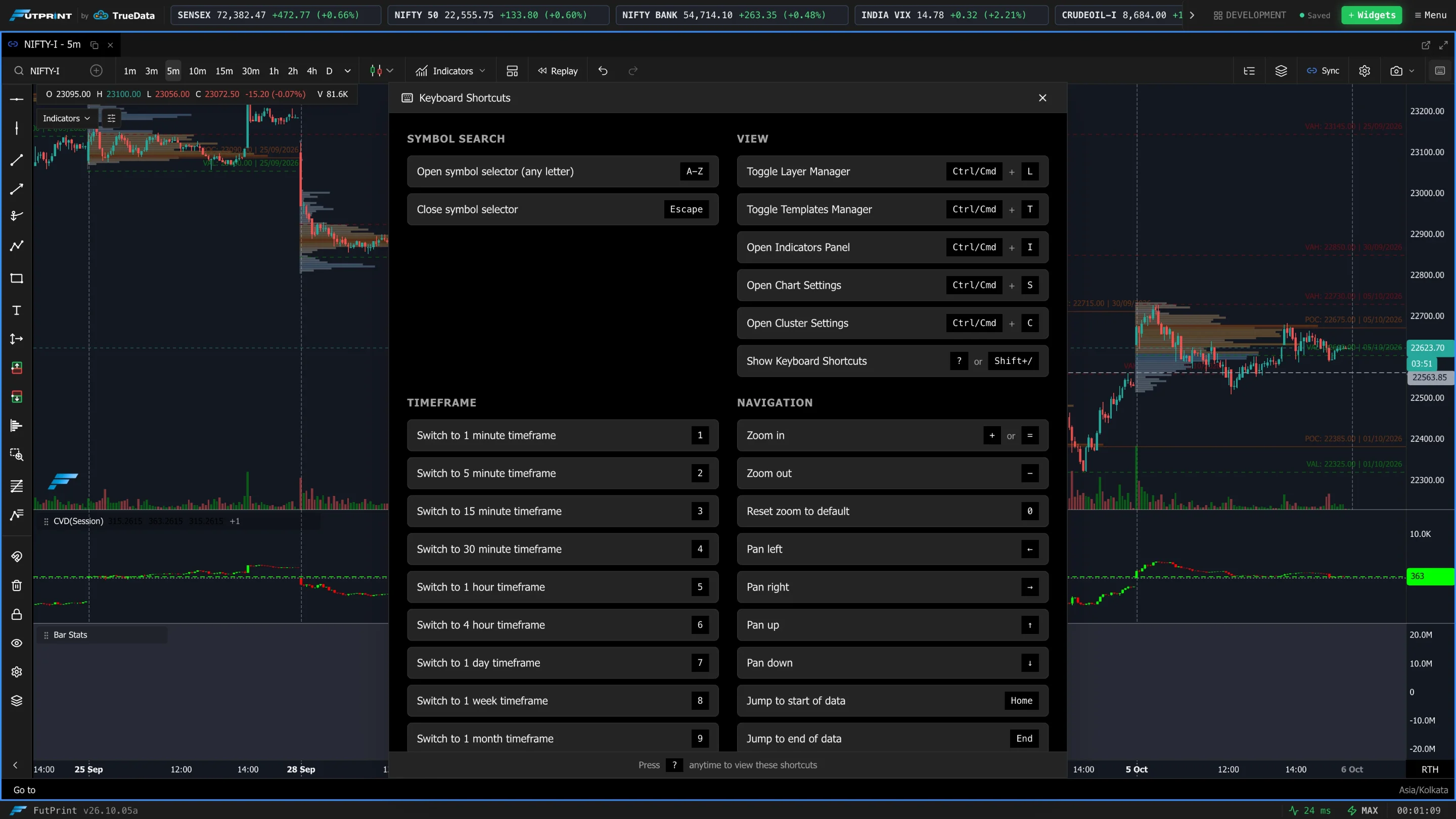
Symbol search
| Keys | Action |
|---|---|
| A–Z | Open the symbol selector (any letter starts a search) |
| Esc | Close the symbol selector |
View
| Keys | Action |
|---|---|
| Ctrl/Cmd L | Toggle Layer Manager |
| Ctrl/Cmd T | Toggle Templates Manager |
| Ctrl/Cmd I | Open Indicators panel |
| Ctrl/Cmd S | Open Chart Settings |
| Ctrl/Cmd C | Open Cluster (footprint) Settings |
| ? or Shift / | Show this shortcuts reference |
Timeframe
| Key | Timeframe |
|---|---|
| 1 | 1 minute |
| 2 | 5 minute |
| 3 | 15 minute |
| 4 | 30 minute |
| 5 | 1 hour |
| 6 | 4 hour |
| 7 | 1 day |
| 8 | 1 week |
| 9 | 1 month |
Navigation
| Keys | Action |
|---|---|
| + / = | Zoom in |
| - | Zoom out |
| 0 | Reset zoom to default |
| ← → | Pan left / right |
| ↑ ↓ | Pan up / down |
| Home | Jump to start of data |
| End | Jump to end of data |
Drawing
| Keys | Action |
|---|---|
| Delete / Backspace | Delete the selected drawing |
| Esc | Deselect the drawing (when the symbol selector is closed) |
Footprint / clusters
| Keys | Action |
|---|---|
| ; | Toggle the bin-size popup |
| Enter | Apply the bin size (when the popup is open) |
Note
Number keys 1–9 switch timeframe, while 0 resets the zoom — handy to remember together.