Themes & Appearance
FutPrint ships with a light and a dark theme. Every module — toolbars, tables, charts, dropdowns and dialogs — follows the theme you choose, so the whole terminal stays visually consistent.
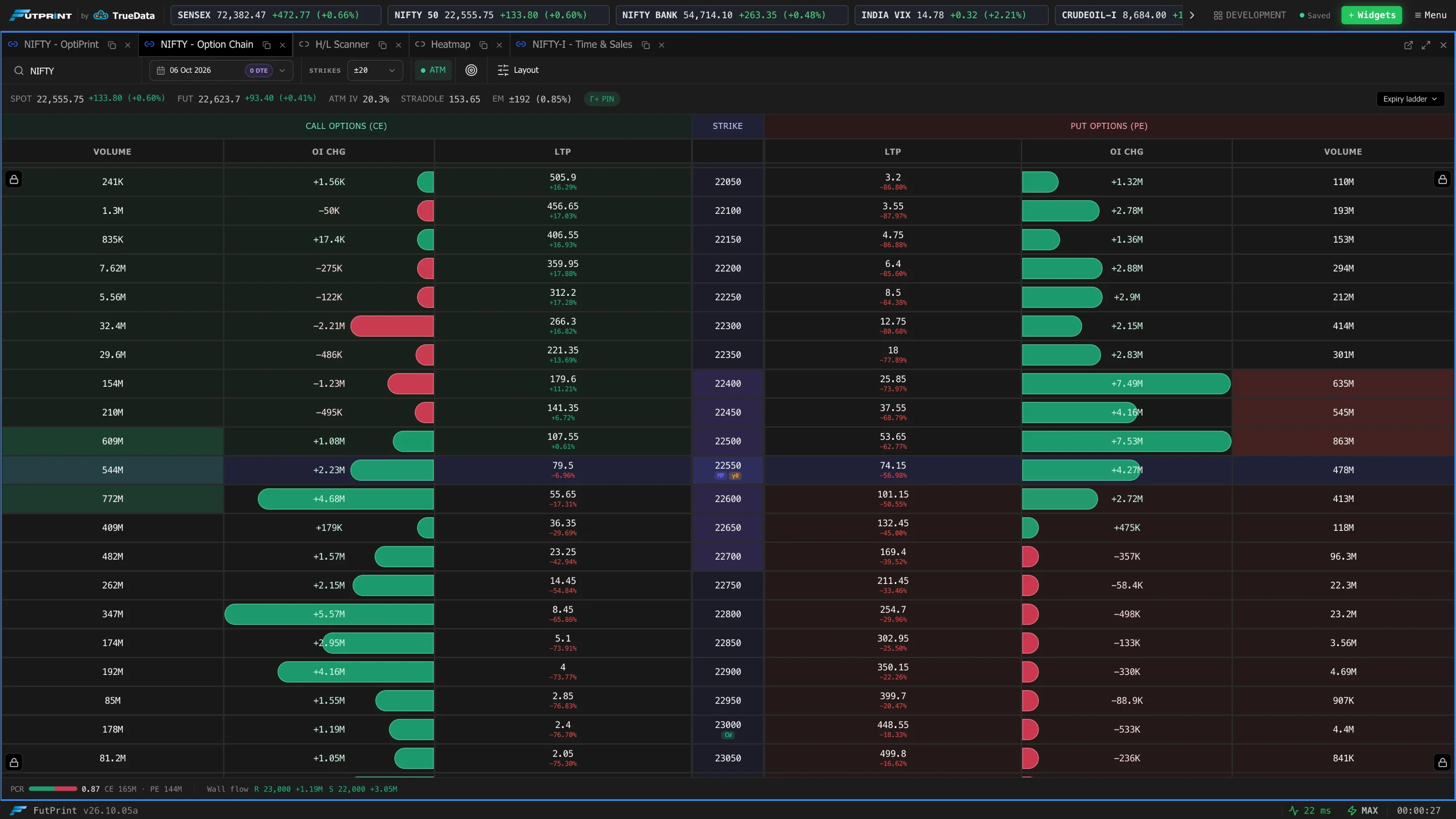
Switching theme
The theme toggle lives in the terminal's settings. Switching is instant and applies everywhere at once — there's no reload.
What the theme affects
- Panel chrome — toolbars, borders, headers, dropdown menus and dialogs.
- Tables — row striping, hover states and muted/secondary text.
- Charts — background, grid, axes and crosshair adapt to the theme.
Colours that stay constant
Some colours carry meaning and deliberately don't change between themes, only their exact shade is tuned for contrast:
- Green / emerald — gains, up-ticks, call (CE) side, buying activity.
- Red / rose — losses, down-ticks, put (PE) side, selling activity.
- Neutral grey — flat / unchanged values and disabled controls.
Note
Because these semantic colours are consistent across the terminal, a green number always means "up" and a red number always means "down", whichever theme you use.