One docked workspace, your way
Lay out charts, tape, watchlists and the option chain across monitors, save the arrangement, and pick it up anywhere — with up to 16 chart widgets, bar-by-bar replay and light or dark themes.
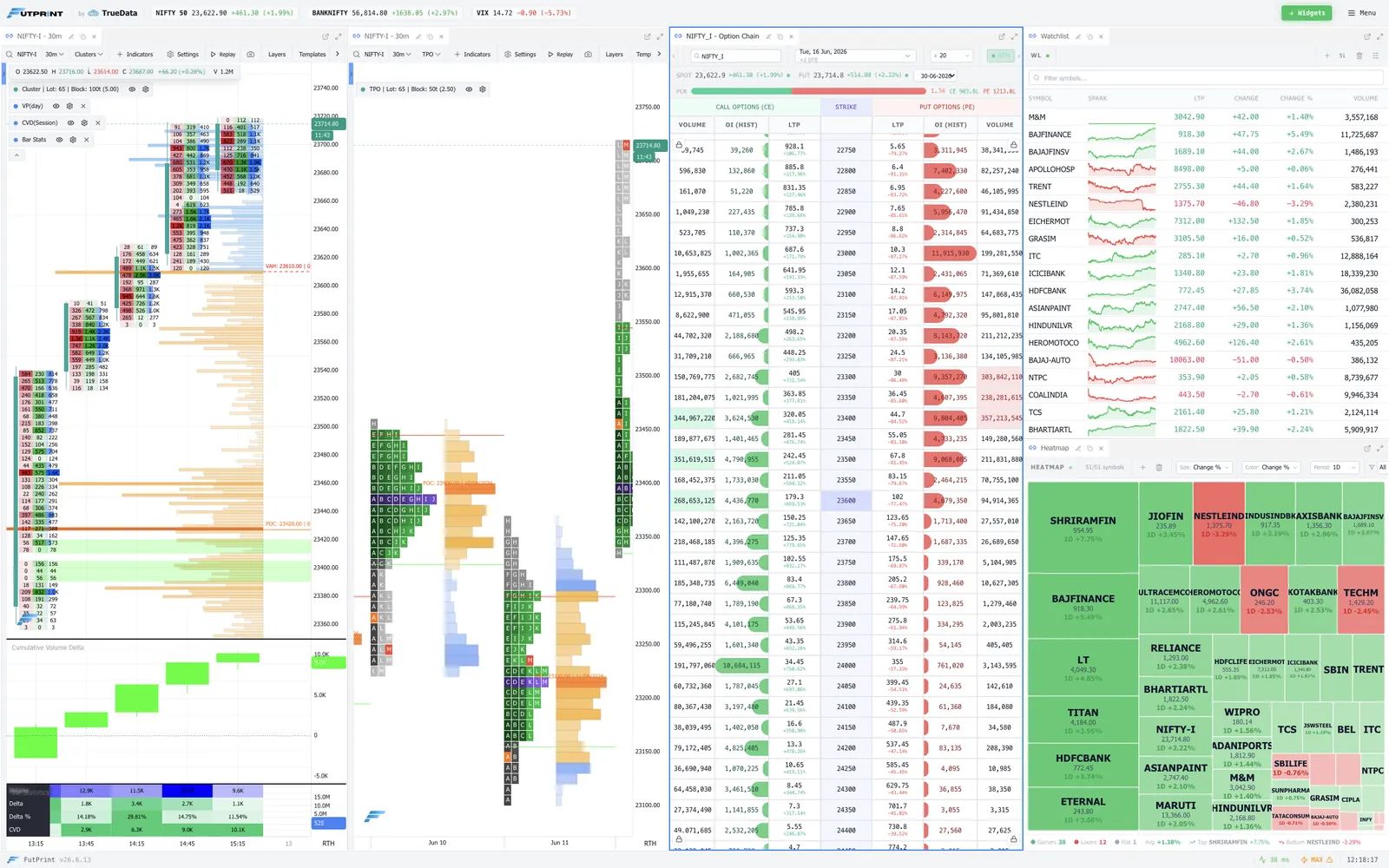
Arrange every panel across your monitors
Dockable, resizable panels let you place charts, tape, watchlists and the option chain exactly where you want them — with room for up to 16 chart widgets.
- Dockable, resizable panels
- Up to 16 chart widgets
- Charts, tape & watchlists
- Multi-monitor friendly
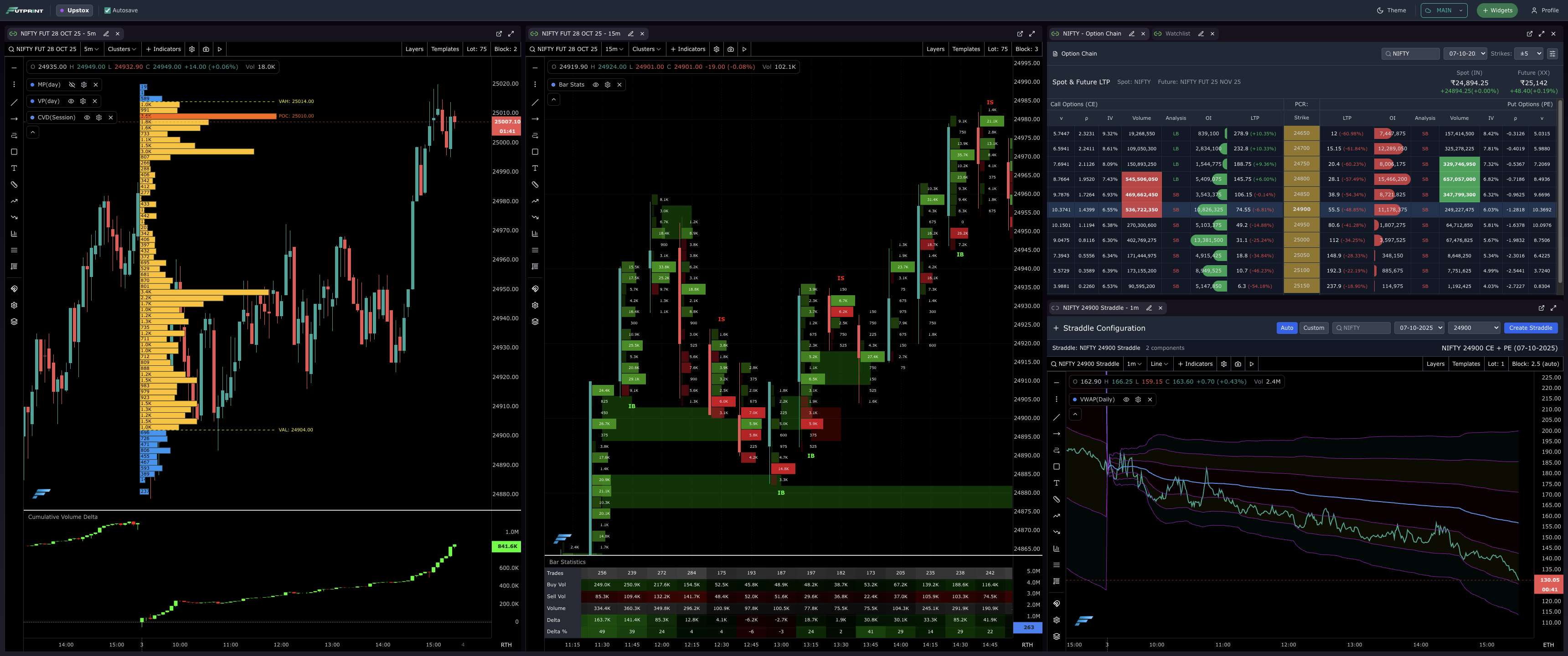
Save it once, pick it up anywhere
Save templates and layouts to your account and restore them on any device — your terminal follows you, exactly as you left it.
- Saved templates & layouts
- Cloud-synced to your account
- Restore on any device
Rehearse the session, bar by bar
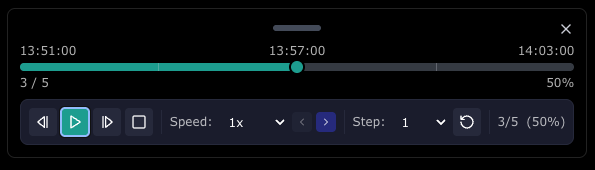
Step a saved session forward bar by bar right inside the workspace, to review structure and rehearse setups at your own pace.
- Bar-by-bar market replay
- Review structure
- Rehearse setups
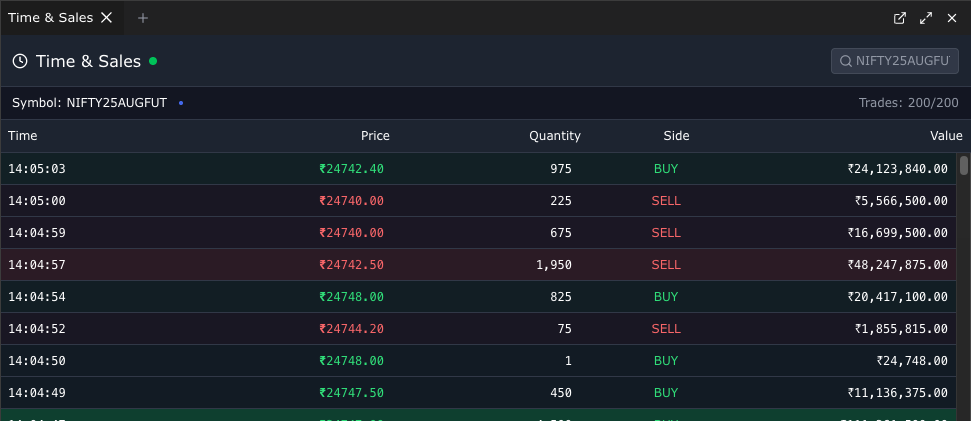
The live tape, docked alongside
Keep a live time & sales tape in view beside your charts, so the trade-by-trade feed is always one glance away.
- Live time & sales tape
- Docked beside your charts
- Trade-by-trade feed
Light and dark, your call
Switch the entire workspace between light and dark themes to match your room, your monitors and the time of day.
- Light & dark themes
- Whole-workspace switch
- Easy on the eyes
See it live in the terminal
Open FutPrint free and put every tool to work on today's session.