
 by TrueData
Study the session.
Review the decision.
Prepare paper orders, monitor orders and positions, and review completed trades in your journal. Keep account context beside your analysis.
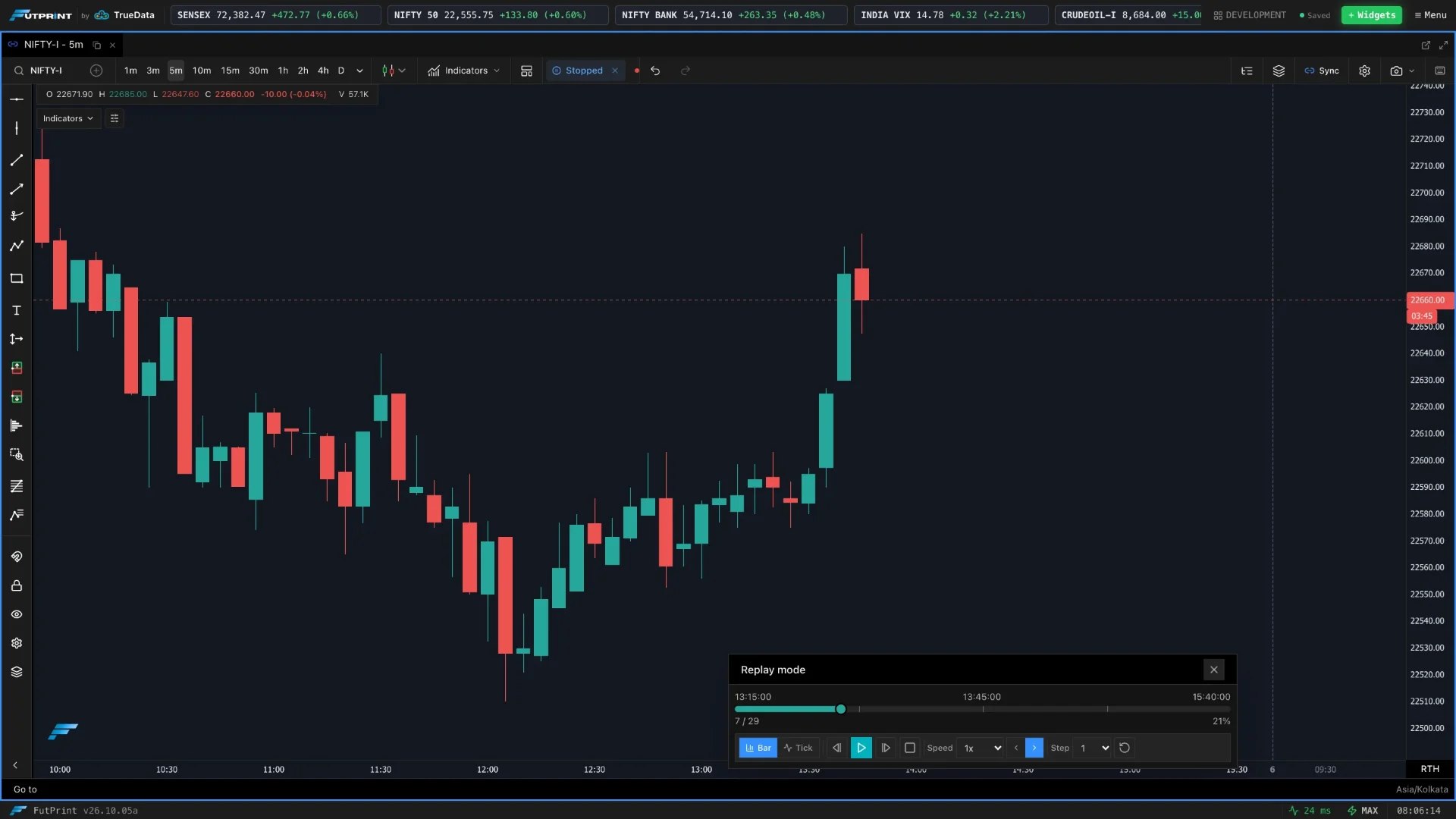
Go from a question
to a closer look.
Explore how each tool fits your workflow, and the details that matter when using it.
Trading
Choose an account and instrument, configure the order and review the account mode before submitting.
- Paper-account selection and funds
- Order configuration
- Connected-account context
Paper and connected broker paths are separate. Live broker availability must be verified for the account; simulated fills are not live execution.
Orders
Filter the order table, inspect status and manage eligible working orders from the same workspace.
- Order status, side, quantity and price
- Broker/account filters and refresh
- Working-order cancellation actions
Available actions and synchronisation depend on the selected account and connection state.
Positions
Monitor position quantity and P&L in the context of the selected account, then return to the chart for review.
- Position and account context
- Quantity and profit/loss information
- Position-management controls
Paper positions are simulated. Live position behaviour depends on the connected broker.
Journal
Review automatically journalled paper trades or add a manual entry, annotate the decision and inspect performance statistics.
- Automatic records for closed paper trades
- Manual trade entries and annotations
- Account filtering and performance statistics
Paper trade fields are locked; annotations can be edited. Journal results describe recorded activity, not future performance.
Scalper
Select a paper account, review size, costs and margin estimates, then place a simulated market order.
- Compact buy/sell controls
- Cost and margin estimates
- Day-range context
Currently supports server paper accounts only. It must not be marketed as one-click live broker execution.
Make the market
your workspace.
Data timing, coverage and tools vary by plan.