
 by TrueData
Find value.
Frame the auction.
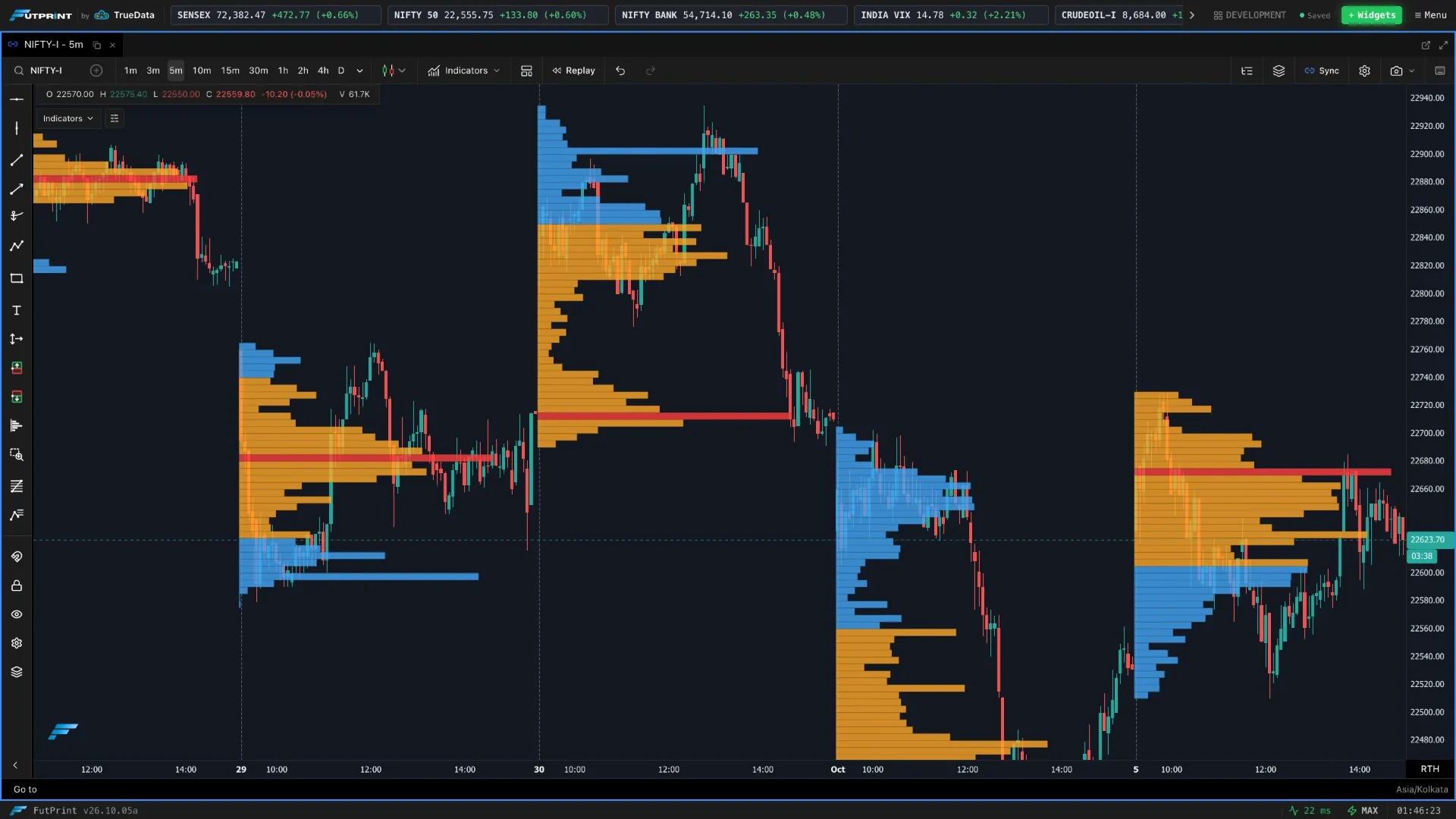
Explore volume profiles, TPO market structure, VWAP and traded volume. Build a clearer picture of where participation concentrates.
Go from a question
to a closer look.
Explore how each tool fits your workflow, and the details that matter when using it.
Volume Profile
Choose a daily, weekly or monthly profile, or mark a fixed range, then compare the point of control and value area with price.
- Period-based and fixed-range profiles
- Point of control and configurable value area
- Volume, delta and bid–ask profile modes
Profiles describe executed volume, not resting order-book liquidity.
TPO / Market Profile
Configure the session and TPO period, then examine value area, initial balance and single prints to understand auction structure.
- Session and TPO-period configuration
- Point of control and value area
- Initial balance, poor highs/lows and single-print settings
TPO measures time-price opportunity, not traded volume.
VWAP & Anchored VWAP
Use period-based VWAP or anchor a VWAP drawing to a selected event, then study price relative to the reference and deviation bands.
- Daily, weekly and monthly anchor periods
- Configurable price source and deviation bands
- Point-anchored VWAP drawing
VWAP is an analytical reference, not a forecast or execution guarantee.
Volume
Add a volume study alongside price and compare quieter periods with expanding activity.
- Per-bar volume study
- Volume underlay option
- Configurable study appearance
Volume reflects the selected instrument and data feed.
Make the market
your workspace.
Data timing, coverage and tools vary by plan.