
 by TrueData
Ask how.
Get the answer.
A help assistant built into the terminal header. Ask how to do something in FutPrint in plain words and it answers from the guides, names the controls as the app does, and links the page it rests on. For traders on their first day and their thousandth, on every plan.
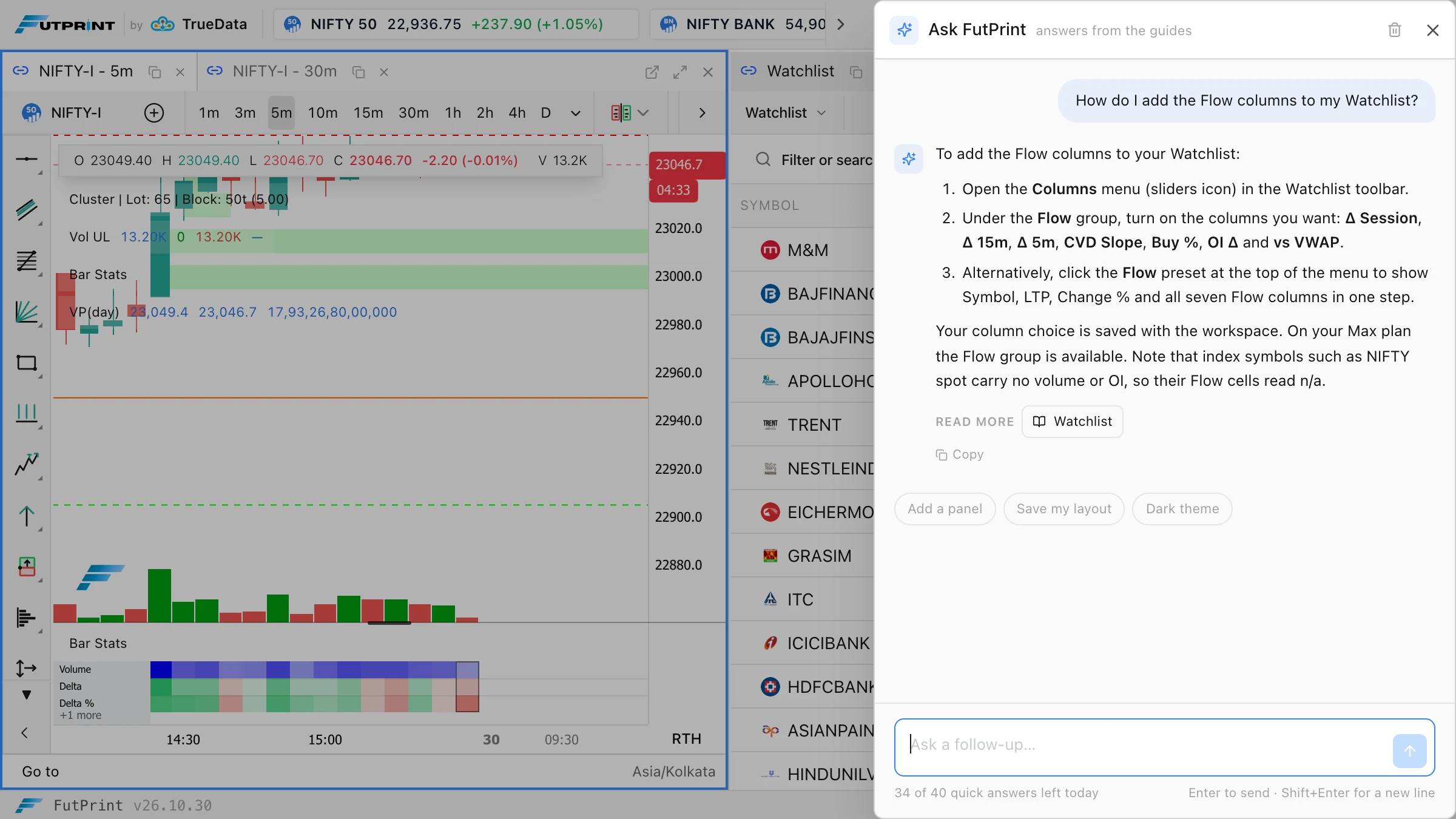
From a question
to the right control.
Three things happen when you press Enter. The answer is written from the guides, the page it came from is one chip away, and the assistant says so when the guides fall short.
A question in plain words
Press Ask in the header, beside Widgets. The drawer opens with starter questions chosen for the panel you had focused, or type your own: "how do I add a column to the Watchlist", "where is the imbalance threshold", "how do I replay yesterday's session".
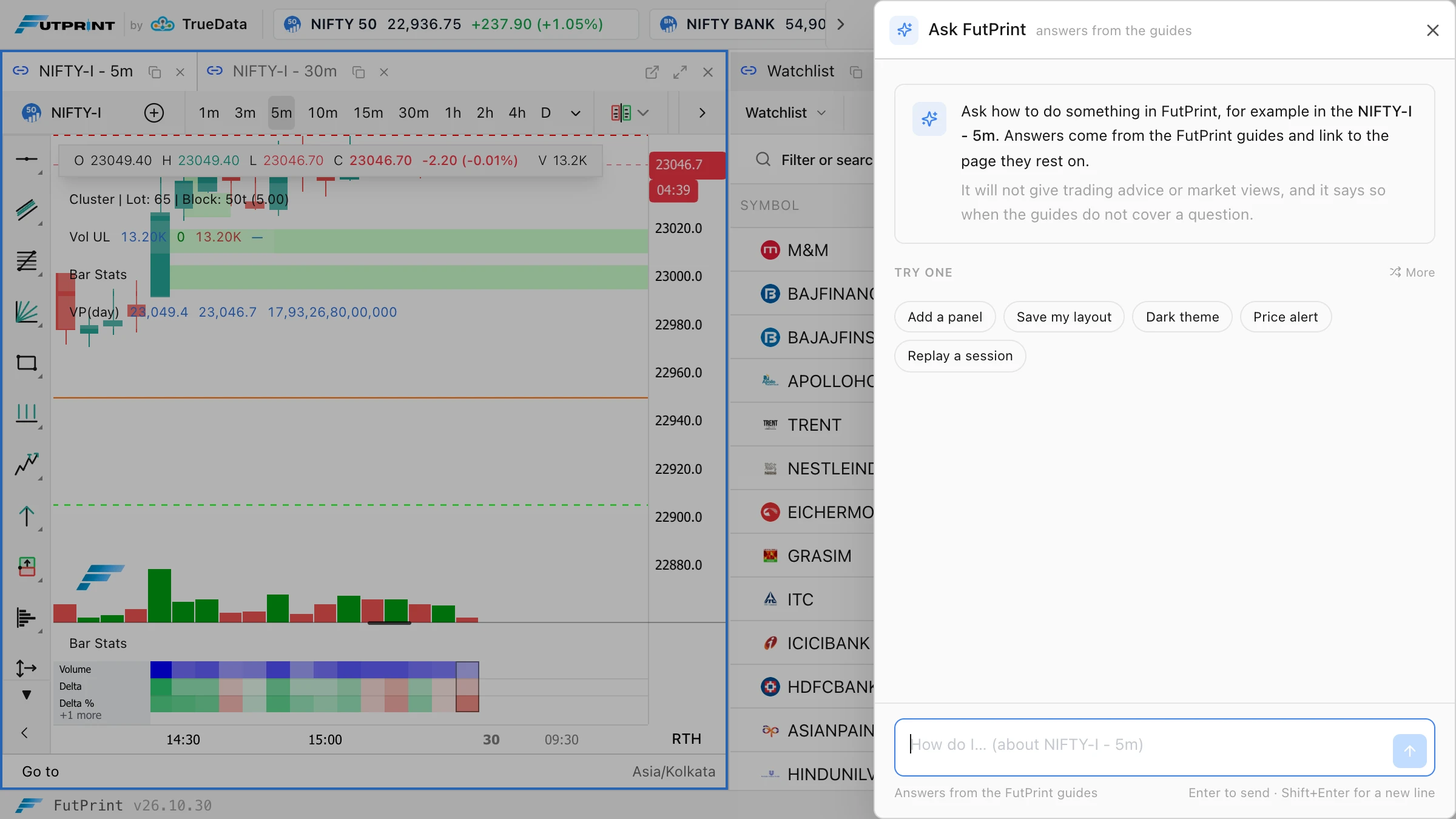
- Starter questions follow the focused panel
- Follow-ups keep the context of the conversation
- Esc stops an answer or closes the drawer
Drawn from the guides, with the page it rests on
The answer streams in within a few seconds and names controls exactly as the app names them. It ends with Read more chips that open the cited guide page in a new tab, so the workspace stays where it is.
- Every page of the FutPrint guides, read on every question
- Controls, tabs, defaults and shortcuts as the guides state them
- Says when a feature is in Pro and Max where the guides say so
Honest about what it does not know
When the guides do not cover a question, the answer opens with a "Not covered by the guides" label and offers the nearest page instead of inventing a menu. Trading advice, market views and anything unrelated to the terminal get a one-line refusal.
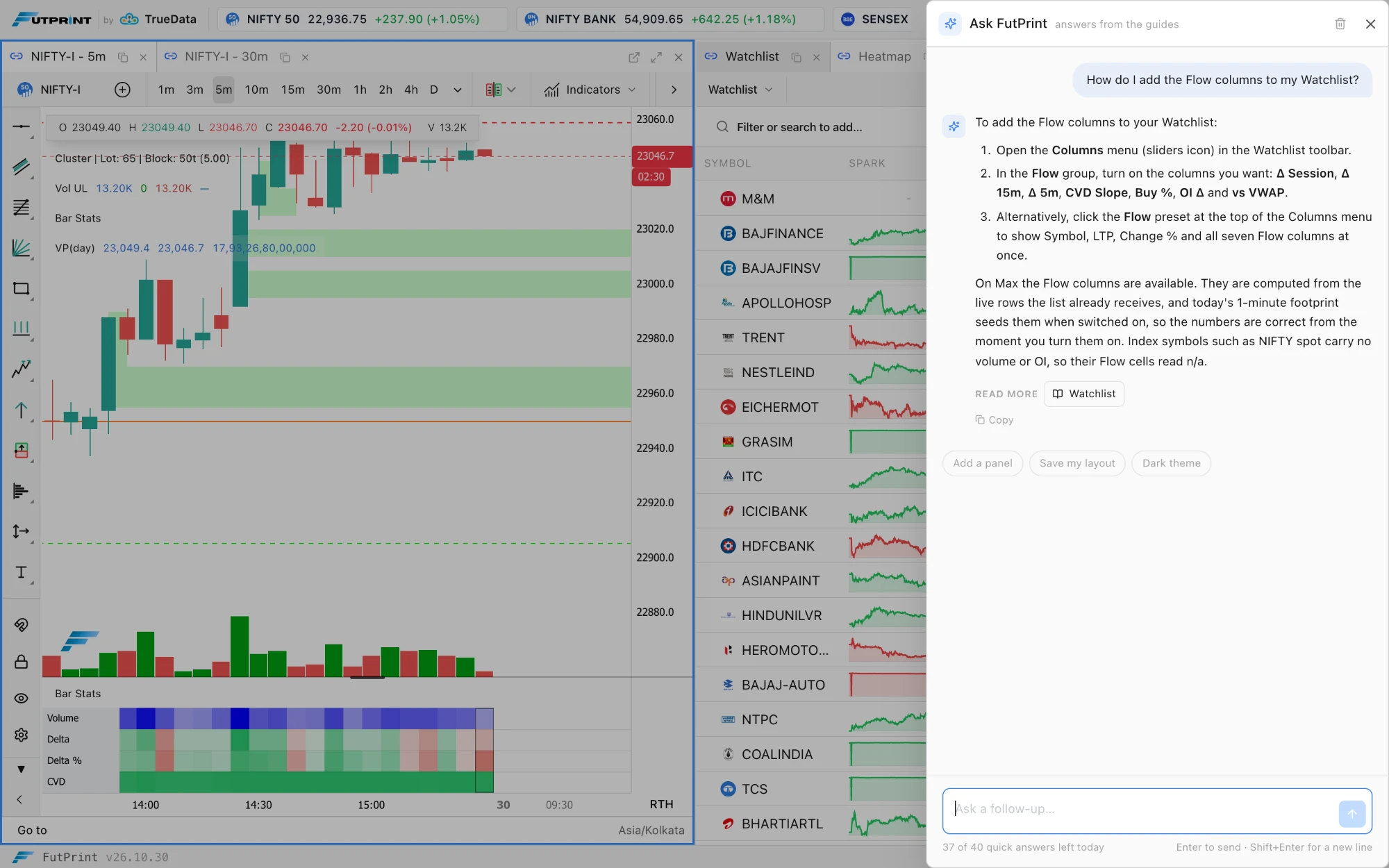
- No trading advice, no market views, no guessing
- Scripts are pointed to Compose with AI in the Script Editor
- Account and billing questions are pointed to support
One source.
Every answer checked against it.
The assistant reads the whole of the FutPrint documentation on every question, so an answer that spans two pages gets both, and the guides and the assistant improve together: a question the guides cannot answer is a page we write next. Before release we put 120 questions through it. Every off-topic question got the refusal, and no answer invented a menu path or linked a page that does not exist.
Read how it was builtOn every plan, with a fair allowance.
Forty quick answers a day, then one a minute up to three hundred. Resets at midnight IST. Included in Free, Lite, Pro and Max.
In the terminal header, the Ask button beside Widgets. It opens a drawer on the right, the same shape as the Add widget drawer, on the web terminal and in the desktop apps.
Questions about using FutPrint: where a control is, what a setting does, how to set up a panel, chart, indicator, alert, workspace, script or the desktop app, and which plan includes a feature where the guides say so. Its only source is the published FutPrint documentation.
It gives no trading advice, market views or predictions, does not discuss other platforms or brokers, and does not write code. Anything outside using FutPrint gets a one-line refusal. When the guides do not cover a question it says so rather than guessing.
Every plan, Free included. Each account gets forty quick answers a day; after that the assistant answers one question a minute, up to three hundred a day. The count resets at midnight IST and the status line under the question box shows where you stand.
The conversation stays in your browser tab until you press Clear conversation. Questions and answers are also stored with your account so the FutPrint team can review what traders ask and improve the guides. Do not type passwords or payment details into it.
Before release we put 120 questions through it, written against the guides, including twenty the guides do not answer and twenty that were off-topic. Every off-topic question got the refusal, and no answer invented a menu path or linked a page that does not exist. Every exchange is reviewed, so tell us on Discord when an answer is wrong.
Make the market
your workspace.
Data timing, coverage and tools vary by plan.